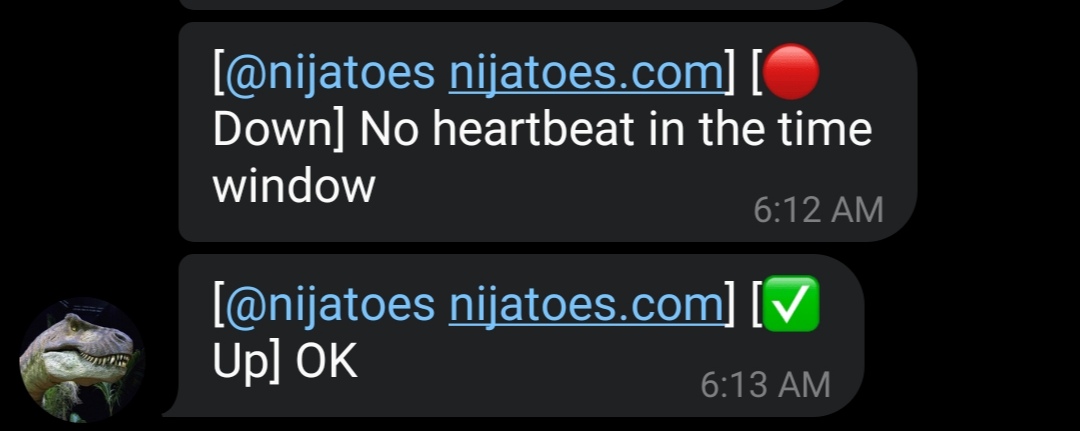
What is T-ONLINE?
T-online is a free, cloud-based tool for monitoring servers. Monitor your servers and back-end infrastructure every 5 minutes and get alerted if they go down.
Follow the steps below to install T-online on your server:
-
You must have a T-online product key to use our service. You can
get a free key from our telegram bot. Start a chat with the bot
and send a identifier for your server. We'll send you a key server
as soon as possible
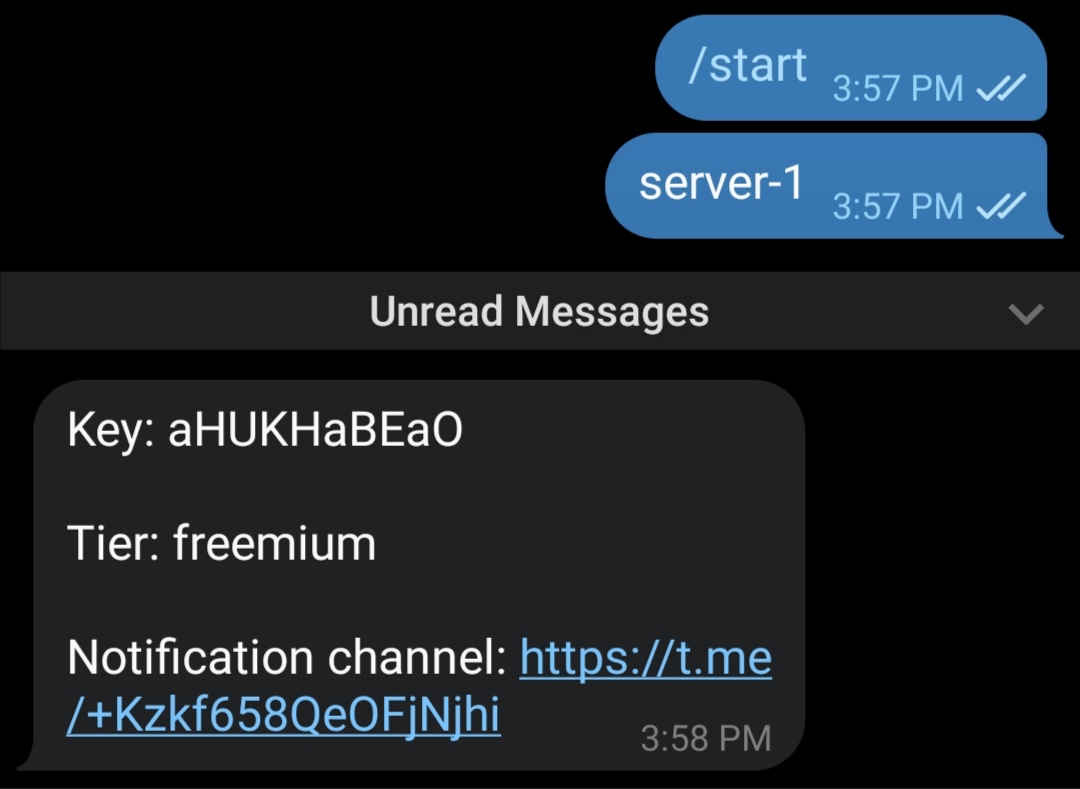
Once you have your key, you can proceed with the installation
- SSH into your server
- Update and upgrade the server
sudo apt update; sudo apt upgrade -y
- Install T-ONLINE
sudo wget https://cdn.axshelf.com/static/install.sh && chmod +x
install.sh && ./install.sh
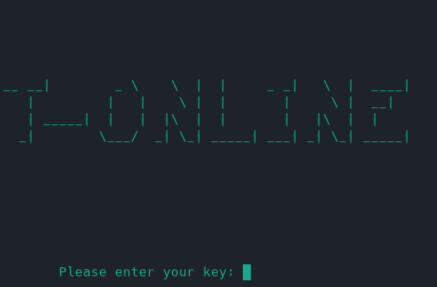
- Enter your key and verify
- That's it. Now you will get all updates on the notification channel.